How to Show Up for “Dentist Near Me” Searches
You do not need to repeat “near me” across your website. Give patients and search engines a clear account of what your practice offers, where it operates, and how to book.
 Byteblock Editorial TeamResearch and editorial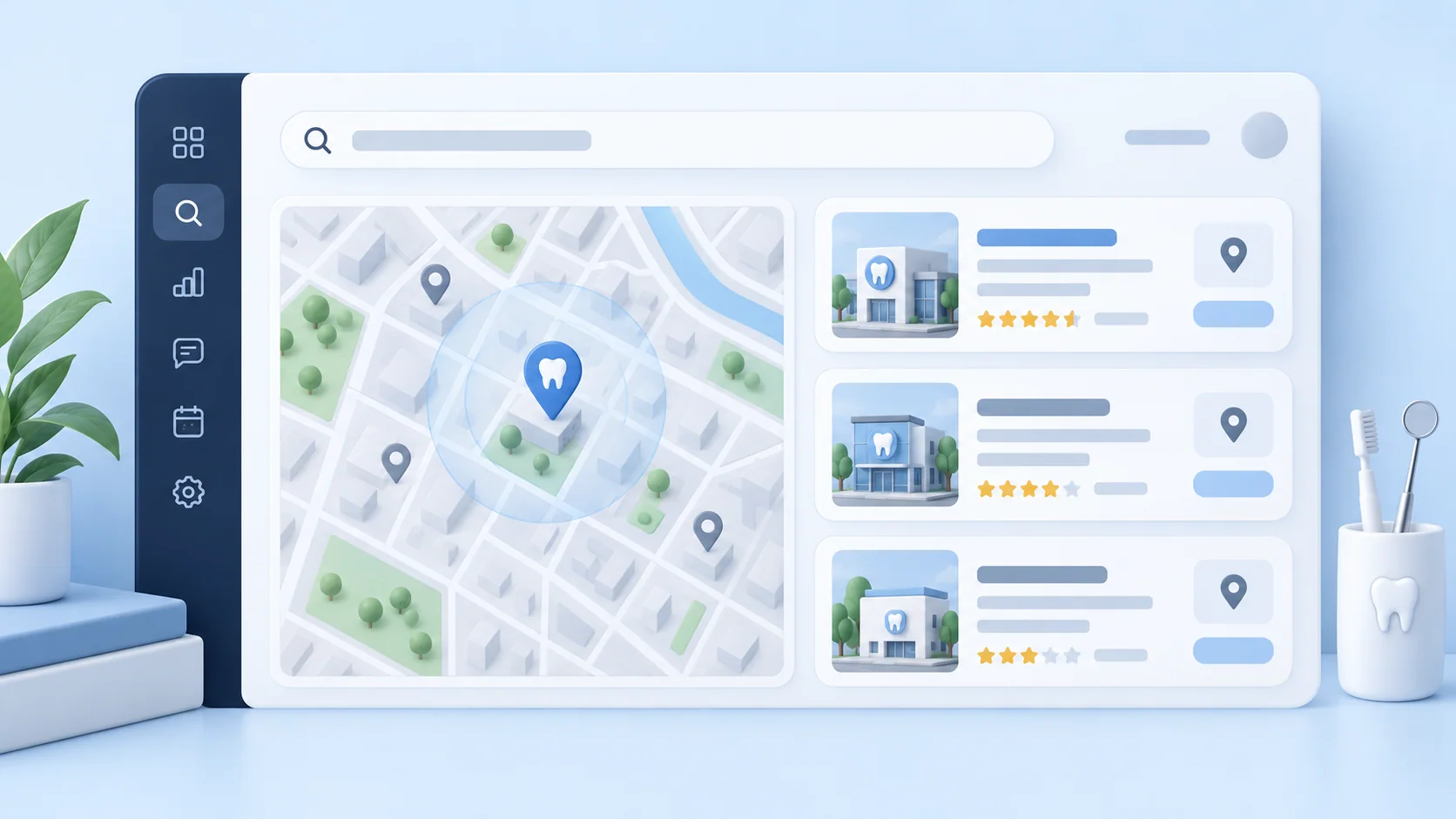
A practical local SEO plan for dental practices: make each real location and service clear, keep your Business Profile accurate, and measure whether visibility leads to appointments.
In brief
Start with the real office, not the phrase
Google says local results are mainly shaped by relevance, distance, and prominence. Your practice cannot control how far away a patient is, but it can make its services and location easier to understand, keep its profile accurate, and earn a stronger reputation over time.
- Create a helpful page for each real office and each distinct service patients can book.
- Keep the Google Business Profile accurate, complete, and matched to the right location page.
- Track calls, requests, and appointments alongside search visibility.
What a “near me” search actually asks
Someone who types “dentist near me” is asking for a suitable practice close enough to visit. Google uses the searcher's location or other location signals to assemble local results. The words “near me” are therefore a cue about intent, not a magic phrase to paste into every heading.
Google describes three main local ranking factors: relevance, distance, and prominence. Relevance is how well a profile matches the query; distance is how close the business is; prominence includes information such as links and reviews. No single page edit guarantees a place in the map results.[1]
Make each real office easy to understand
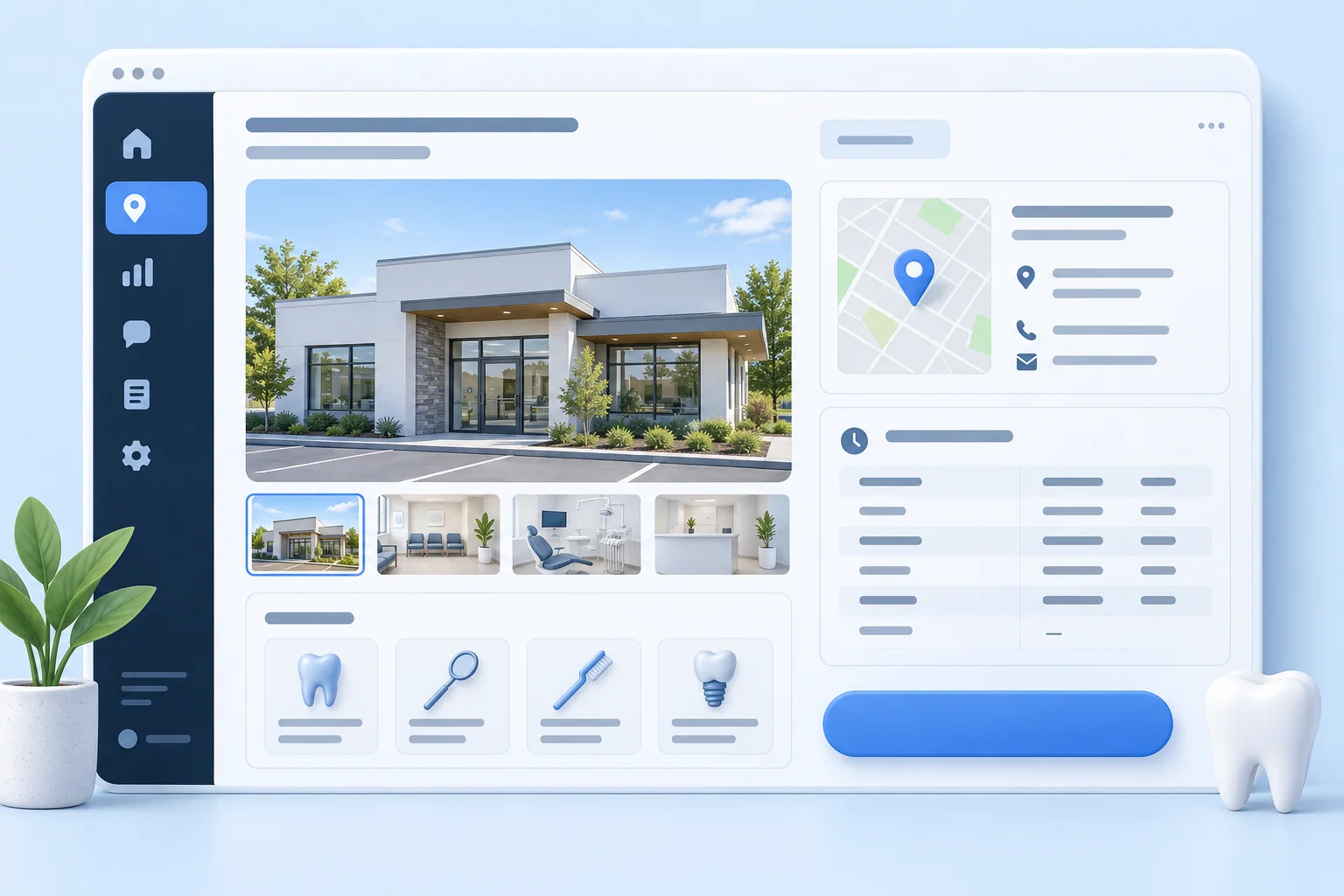
Give every physical office its own useful location page. State the practice name, full address, phone, hours, services available there, and how patients can reach or park at that office. Use real photos and a booking path. A location page should answer questions a patient would have before visiting, rather than swap one town name for another in a template.
On the homepage, use a natural description such as “Family dentist in Pasadena” if that is accurate. Write distinct service pages for meaningful offerings such as implants, emergency care, or pediatric dentistry when the practice actually provides them. A title and main heading should describe the page clearly; a service and city can appear naturally, but repetition is unnecessary.
LocalBusiness structured data can describe the business and its address and hours to search engines. Use the more specific Dentist type when it fits, keep markup consistent with visible page content, and test it. Structured data helps Google interpret the page; it does not promise a ranking boost.[2][3]
- One real office: one location page with its own address, hours, photos, and contact path.
- One distinct service: one useful page explaining who it serves, what to expect, and where it is offered.
- A clear page title and opening paragraph: say the service and place in normal language.
Bring the Google Business Profile into alignment
Claim and verify the profile for each eligible office. Choose the most specific primary category that accurately describes the main business, then add only relevant secondary categories. Google says categories affect local ranking; they should describe the practice, not serve as a list of desired keywords.
Keep the address, phone, hours, website, appointment path, services, and photos current. Point the website field to the page that best helps a patient evaluate that location. If a service or office changes, update the site and profile together so patients do not encounter conflicting details.[4][5]
- Check the primary category and remove categories that do not fit the actual practice.
- Review the website and appointment links from the patient's phone, not just an admin view.
- Update holiday hours and service availability before they become wrong.
Build a reputation patients can evaluate
Google says more reviews and positive ratings can help local ranking, and photos can help customers recognize a business. Ask real patients for honest feedback through a repeatable, policy-compliant process. Reply to reviews thoughtfully without revealing patient information or asking reviewers to insert search terms.
Use current photographs of the actual office, team, and exterior. A patient should recognize the place when arriving. Review counts, wording, and photo uploads are not a substitute for accurate services, a good patient experience, or proximity.[1][5]
Keep practice details consistent across the web
Audit the main places patients look: your website, Google Business Profile, insurer directories, dental association listings, and major review sites. Fix old phone numbers, moved offices, broken URLs, and mismatched hours. Accuracy matters for patients even when a particular directory link provides little SEO value.
You do not need identical punctuation everywhere. Focus on the same real-world business identity and a working route to the right office. If a listing has no website field, it may still be useful for discovery; evaluate it on patient value rather than assuming every citation transfers link authority.[5]
Measure appointments, and avoid shortcuts
Review Search Console queries and landing pages to see which pages earn impressions and clicks. Pair that with Business Profile performance, call tracking where appropriate, form submissions, and booked appointments. Compare trends over several weeks; a single ranking screenshot does not tell you whether patients found the right care.
Do not add “Dentist Near Me” to a Business Profile name unless it is truly part of the practice's real-world name. Avoid dozens of near-identical town pages for places without an office, hidden keyword lists, and copy that repeats “near me” instead of answering patient questions. Google's policies address misleading business names and doorway or scaled content.[6][7]
- Week 1: audit office details, categories, links, and the existing location pages.
- Week 2: improve the most important location and service pages with real patient information.
- Weeks 3 and 4: update photos, establish a genuine review request routine, and measure inquiries and bookings.

Sources
- Tips to improve your local ranking on Google — Google Business Profile Help
- SEO Starter Guide — Google Search Central
- Local business structured data — Google Search Central
- Manage your business category — Google Business Profile Help
- Edit your Business Profile — Google Business Profile Help
- Guidelines for representing your business on Google — Google Business Profile Help
- Spam policies for Google Web Search — Google Search Central
Common questions
Frequently asked questions
Google says local results are mainly based on relevance, distance, and prominence. Keep the Business Profile complete and accurate, make the offered services clear, and work on genuine reputation signals.[1]
A distinct page for each real office helps patients find its address, hours, services, and booking path. Do not create thin town pages for places where the practice has no office.[7]
No. Structured data can help Google understand business details, but it does not guarantee a particular search appearance or position. The page and markup must agree.[3]
See how Byteblock fits your dental practice
Talk with the Byteblock team about keeping patient-facing information current while your practice handles inquiries and follow-up.
Book a demo